EasyPower license management is handled through the Bentley CONNECTION Client app.
Important: You must restart EasyPower for any changes to take effect. Close EasyPower prior to making any changes.
To switch licenses, check out a license, or to check the status of your entitlements, please use the Bentley Licensing Tool. You can access this tool through the Windows Start menu or through the CONNECTION Client app.
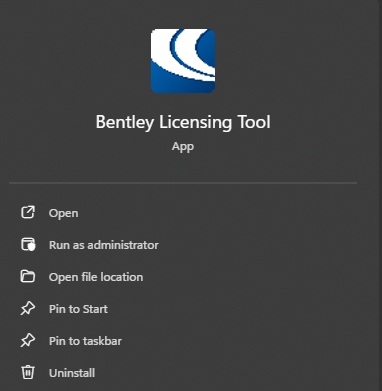
Figure 1: Windows Menu - Bentley Licensing Tool
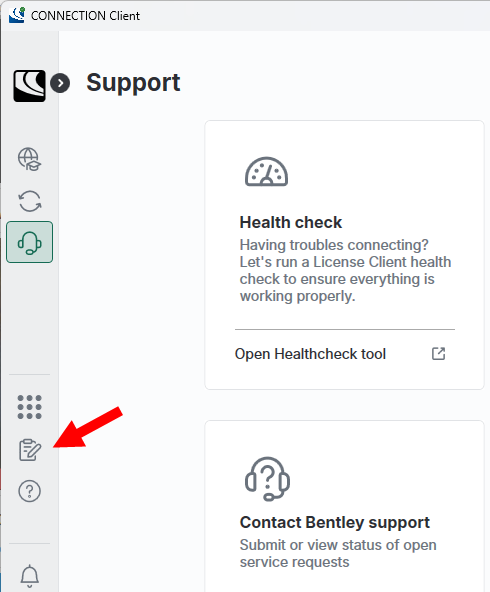
Figure 2: CONNECTION Client - Bentley License Client
In the Bentley License Client, you can see your entitlements, check out licenses, or view the product status.
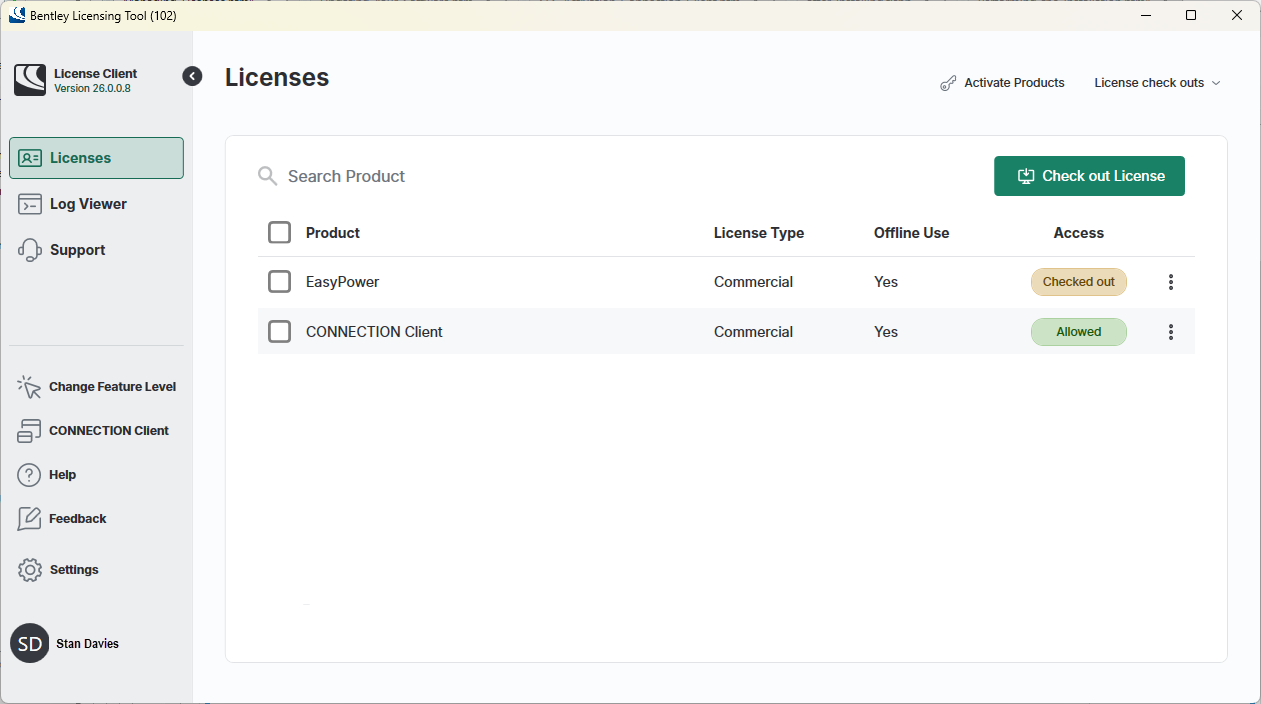
Figure 3: Bentley License Client
From there, you can select your licenses by clicking Change Feature Level. This opens the Select Feature Level dialog where you can select the licenses that your organization owns. For more information, seeSelecting an EasyPower Feature Level.
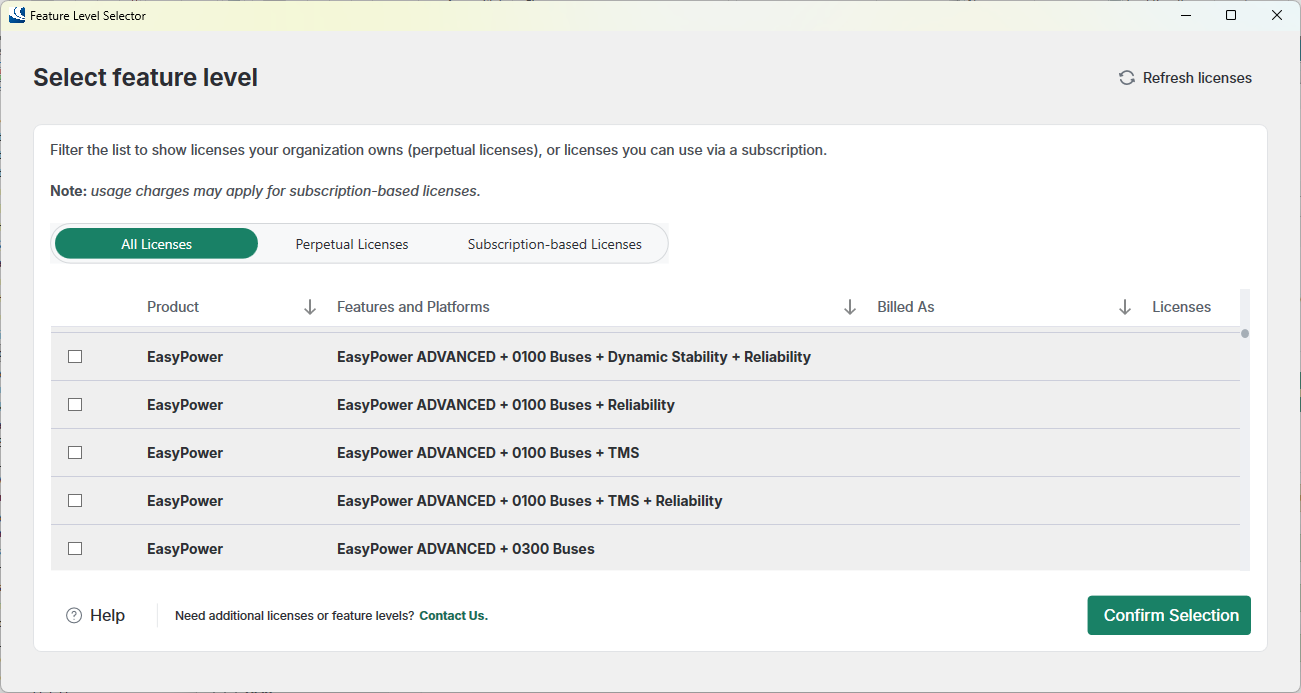
Figure 4: Select Feature Level
CONNECT Center Tasks for Administrators
If you are an administrator, you can perform additional licensing tasks using the CONNECT Center.
Note: You need to be an administrator on the Bentley account to perform some licensing functions. If you are not an administrator on the account, contact your administrator to perform licensing functions. You can find your administrator through the CONNECT Center, which is available through the CONNECTION Client app.
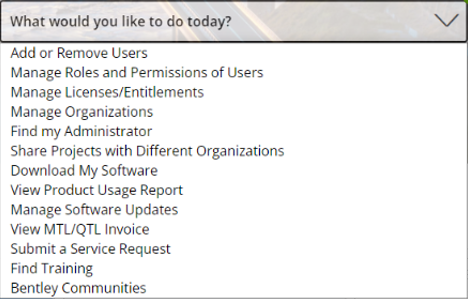
Figure 5: CONNECT Center Administrator Tasks
Additional Resources
Additional license management topics can be found here:
-
For online license management, see: Licensing Configuration.
-
For offline license management, see: How to Check Out Licenses for Offline Machines.
For additional Bentley resources, please visit https://connect.bentley.com/.