Query Report
In the query text report, you can right-click on any item and choose one of the following commands:
- Edit Data: This opens the dialog box for the item where you can edit the data.
- Find Item: This displays the one-line view with the item selected.
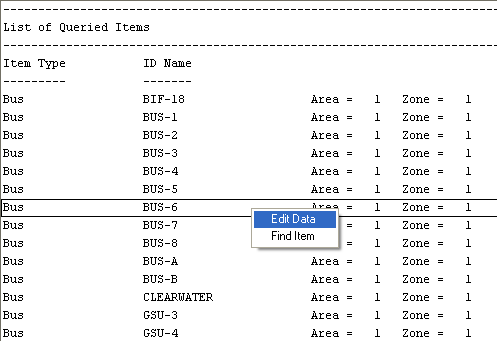
Figure 1: Query Report
More Information
| Making One-line Diagrams | |
| Selecting Items |