You can apply your layout options to an entire one-line. To do this, on the Home tab, below the Layout button, click Auto Layout Entire One-line.
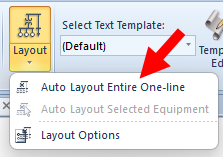
Alternatively, if no items are selected on the one-line, click the Layout button.
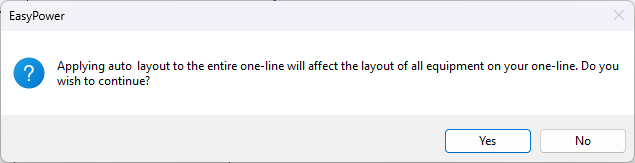
You are warned that the layout of the entire one-line will be affected, and asked if you want to continue. Click Yes to continue.
The items are automatically laid out based on the settings selected in the Layout Options.